
Build it by chatting.
Vibe-code apps, sites, slides and logos by chatting — but controlled: checked, collaborative, in a real repo you own. Pro-grade output at a price anyone can afford.
How it works
Describe what you want
Tell the chat what you need — a web app, a website, a mobile app for iOS and Android, a logo or image, or a dashboard over your data. Bring your own GitHub repo and chat with it too.
Iterate in chat
Every message becomes a commit. The whole history is one timeline.
Publish
Ship a build when you're ready. Publishing is available on paid plans.
Vibe-coded — but controlled.
Most AI builders hand you a guess you can't check or keep. bychat keeps the speed of vibe-coding but adds the control teams need — automatic checks on every change, real collaboration, and a project that's truly yours.
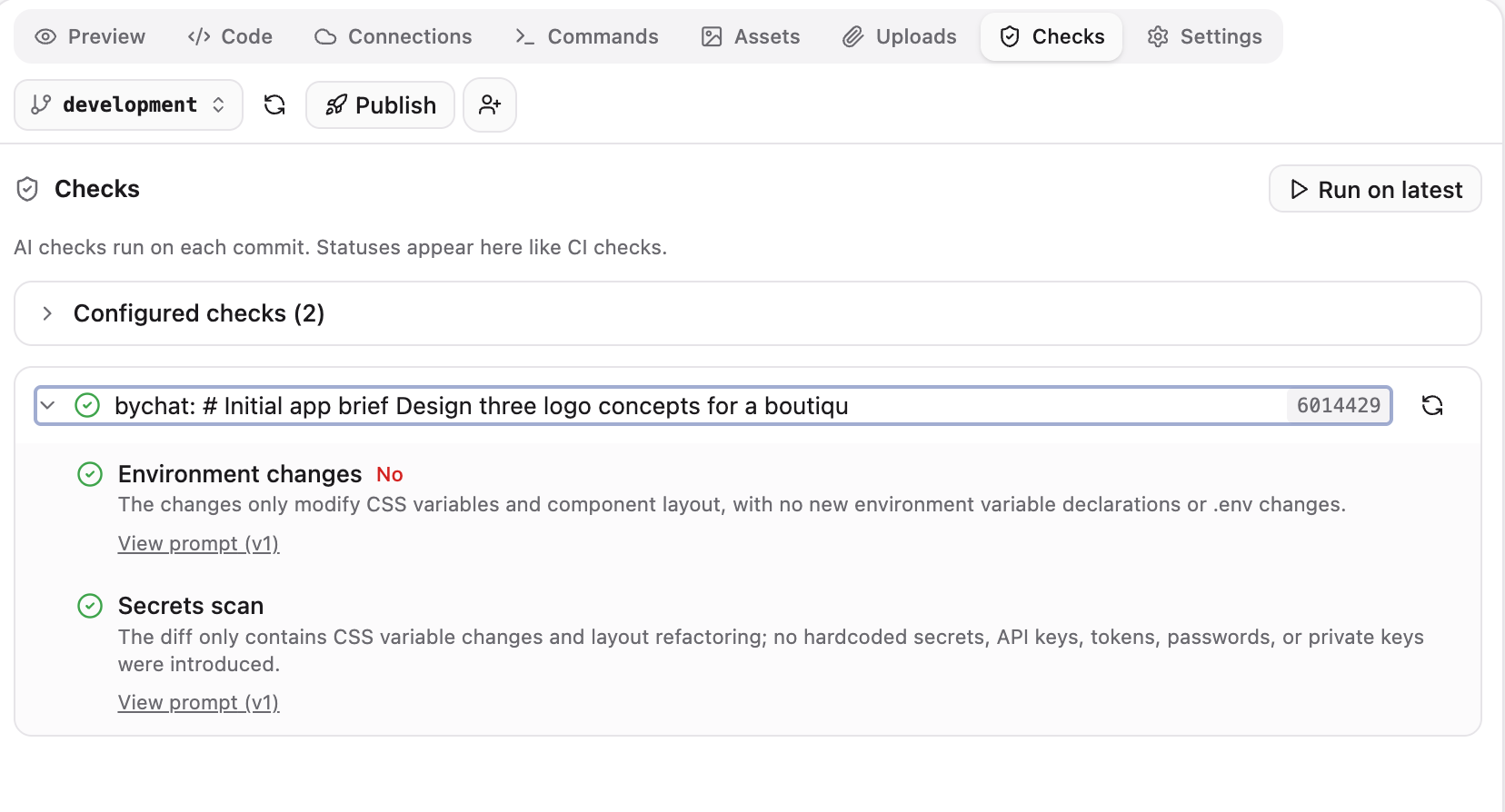
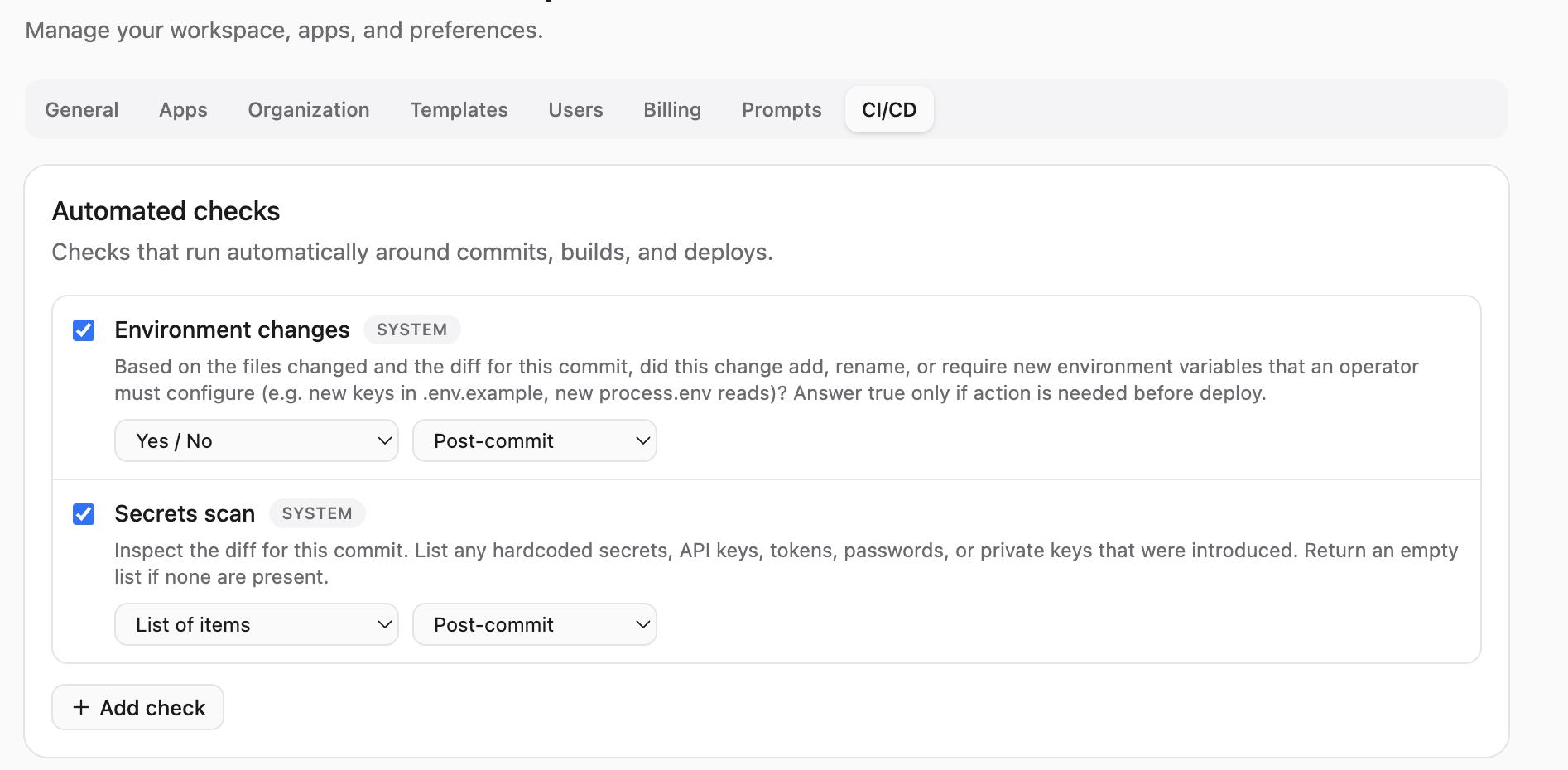
Checks, not vibes
Every artifact is checked automatically — broken links, accessibility, build errors — before you ship it.
A real repo you own
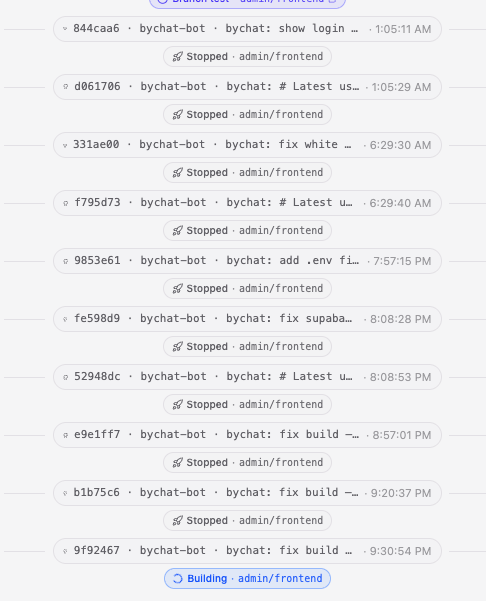
Every build is a real GitHub repo with CI and one-click publish. Export anytime — never locked in a sandbox.
Start from a template
Framework-aware starting points — web apps, mobile, and more — instead of guessing from a blank prompt.
More than apps
Apps, websites, slide decks, logos and SVG — one chat, many kinds of output. Not apps-only.
Managing this for a team? Org admins curate templates and checks for everyone — more on that in your workspace.
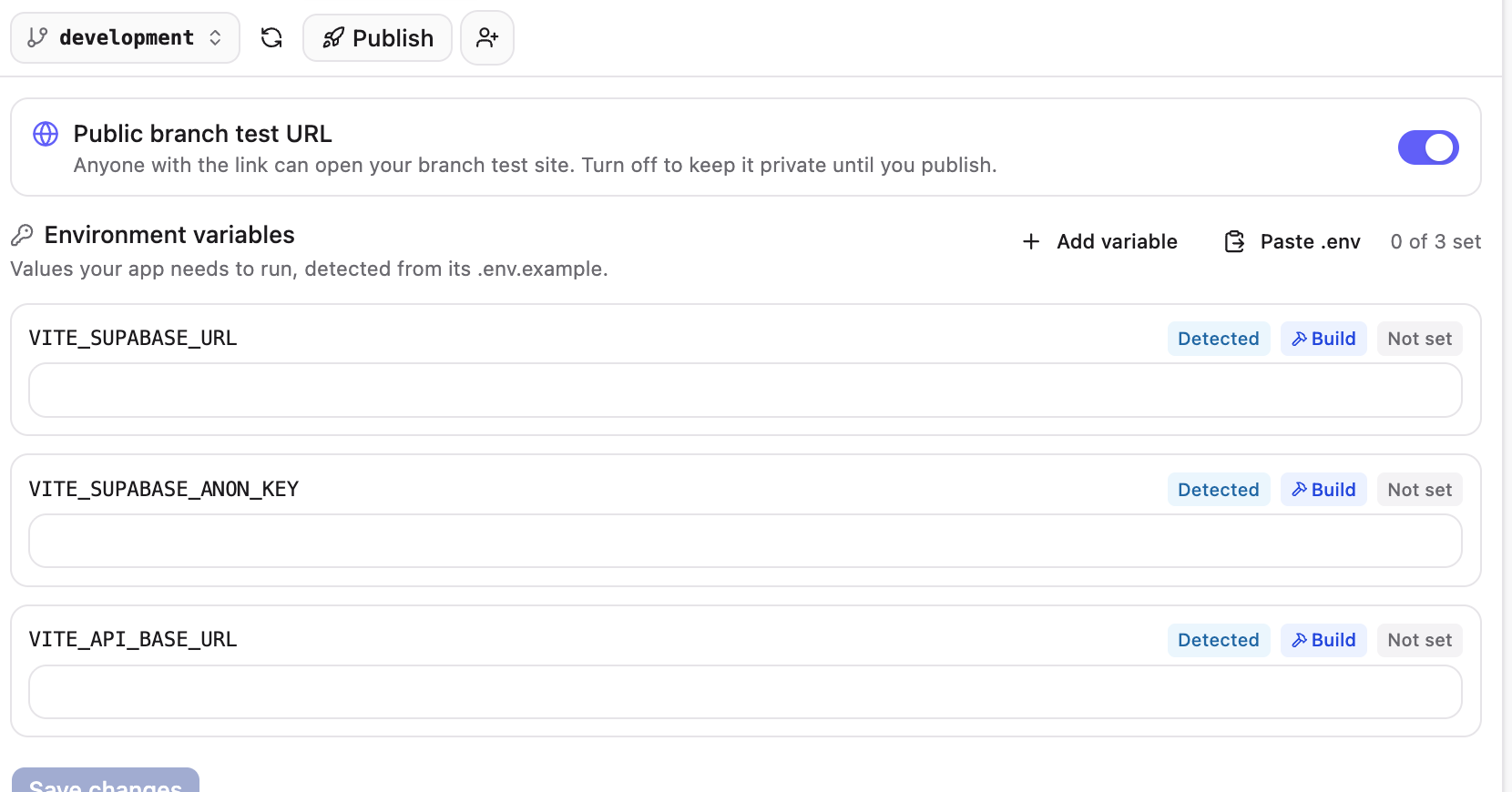
Connections, auto-detected
bychat scans your app and detects the connections it needs. Hit Connect and pick a service — OpenAI or Supabase — and we set up the environment variables and API keys for you. Paste a .env or add your own, then build fully around your stack.
Plug into the tools you already use
Build an app around your stack — connect it to the services you run on, then keep iterating in chat.
See it work
It's more than a prompt box. Vibe-code fast, but stay in control — watch every change, run checks, collaborate, and ship only when you're ready.
Watch the agent build
Every run streams step-by-step — analyzing, editing, building, committing — so you see the work happen, not an opaque spinner.
Live preview, rendered as you go
Apps run in a live preview; slide decks, CVs, logos and SVGs render in a side panel you can download or print — updated as you iterate.

Preview any branch on a real URL
Work on a branch, get a shareable test URL for it, and publish to live only when it's ready — branch-based previews, like a real deploy pipeline.
Everything you can build, all by chatting
bychat isn't one thing. Each kind of work gets its own flow — full apps and websites, slide decks, logos, and SVG. Here's what each actually produces.
Build apps by chat
Describe an app and bychat scaffolds a real, full-stack web app — with a live preview you iterate on and publish.
Build a website by chat
Describe a site — landing page, portfolio, marketing site — and bychat builds it with a live preview you can publish.
AI slide deck maker
Describe a presentation and bychat generates a polished slide deck you can preview, present, download, and edit.
AI logo generator
Describe a logo and bychat generates clean, editable SVG marks you can preview, download, and refine in chat.
AI SVG & icon maker
Describe a graphic and bychat returns a clean, editable SVG — icons, illustrations, and diagrams that scale perfectly.
Who are you building for?
Pick who you are and see real example prompts tailored to you — then drop one straight into the box above.
Example prompts for For the only developer on the team
See allFrequently asked questions
bychat is an AI app builder that puts everything in one place. You chat with your repo, chat with your data, generate images and logos, build mobile apps for iOS and Android, and ship web apps and websites — all by chatting. An AI agent writes the code in a real GitHub repository, a live preview shows the result, and you iterate in the same thread and publish when it's ready.